New: the character creator, for giving everyone their own look
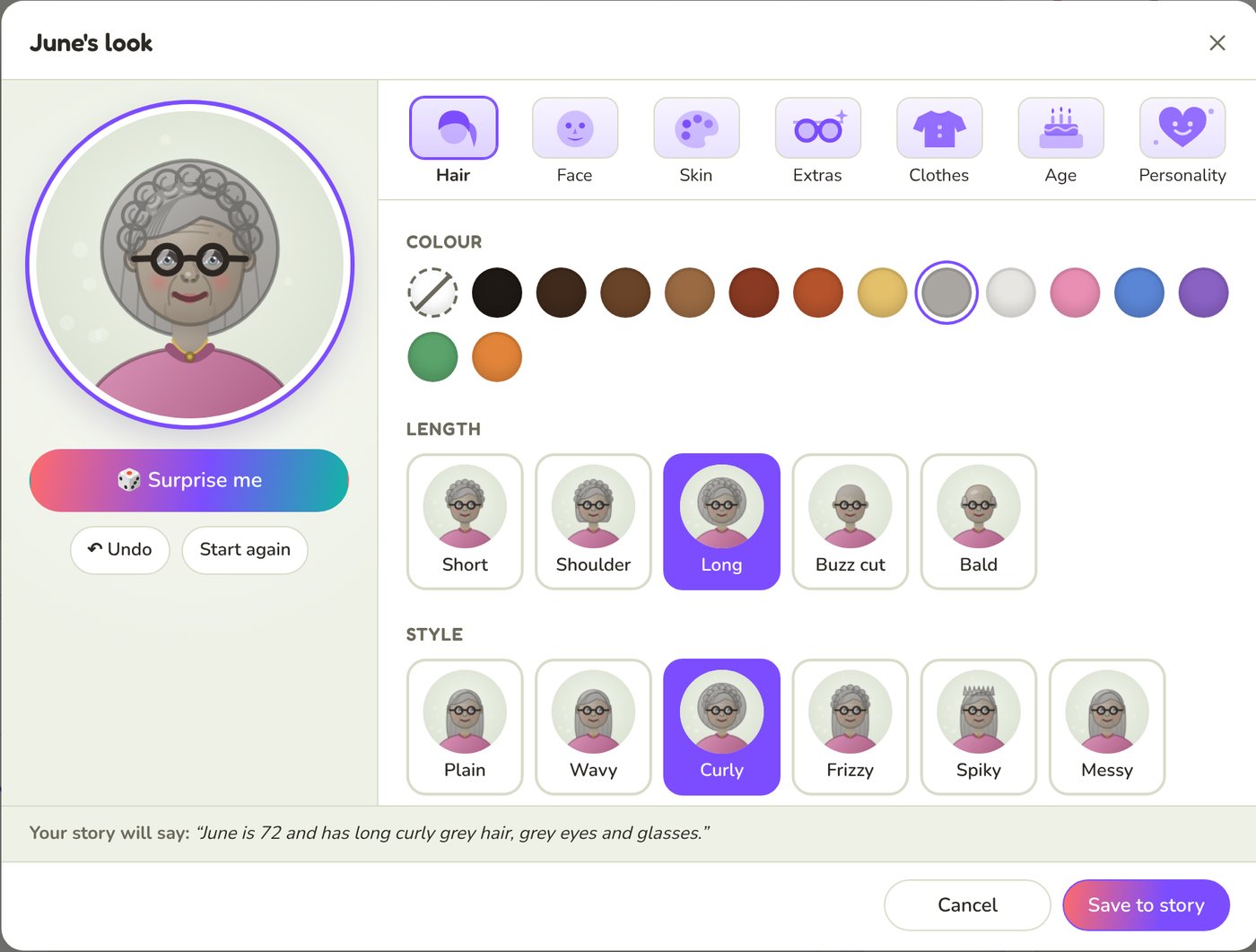
Until now, you changed how someone looks by writing it: "Grandad has a white moustache and glasses." That still works, and now there's a quicker, more fun way too. Click Edit look on anyone's portrait and the new character creator opens, so you can pick their hair, face, glasses, clothes, age and personality and watch the portrait change as you click.
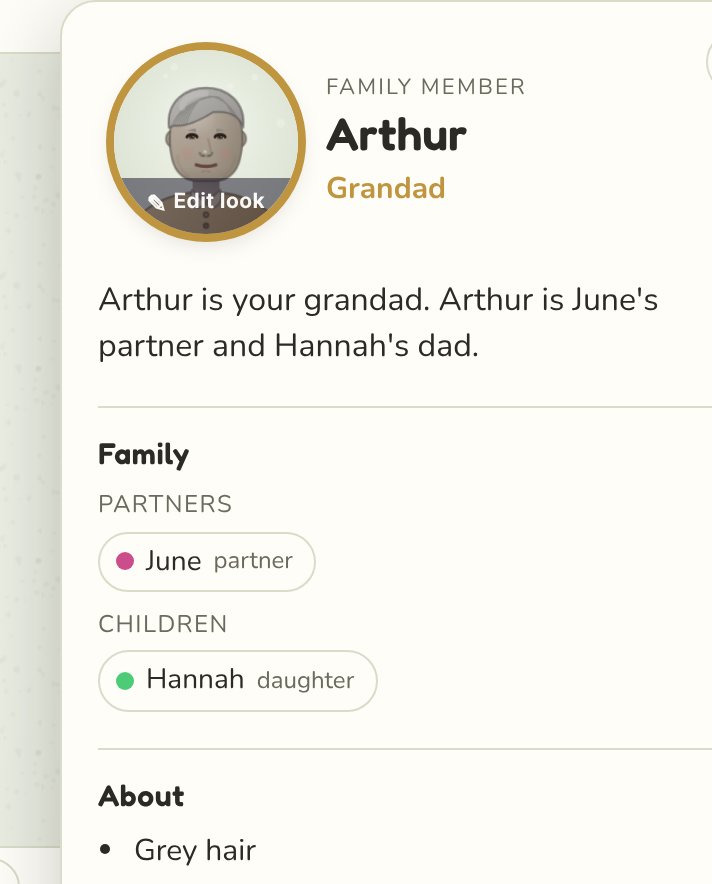
See every option on their face
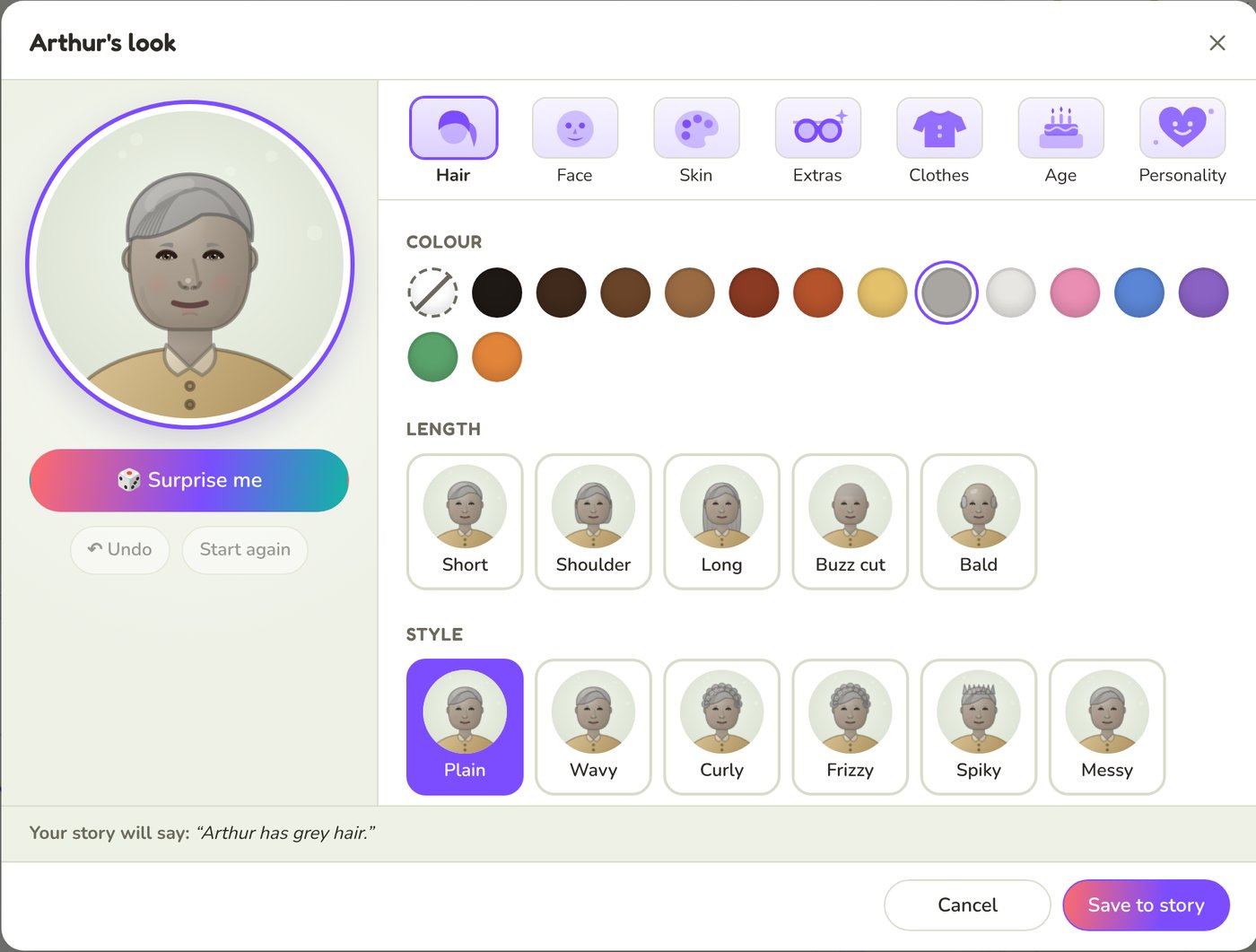
The creator shows a big portrait in your tree's design, with seven tabs: Hair, Face, Skin, Extras, Clothes, Age and Personality. Each option shows a little picture of the person wearing it, so you can see the ponytail, the curls or the beard before you choose.
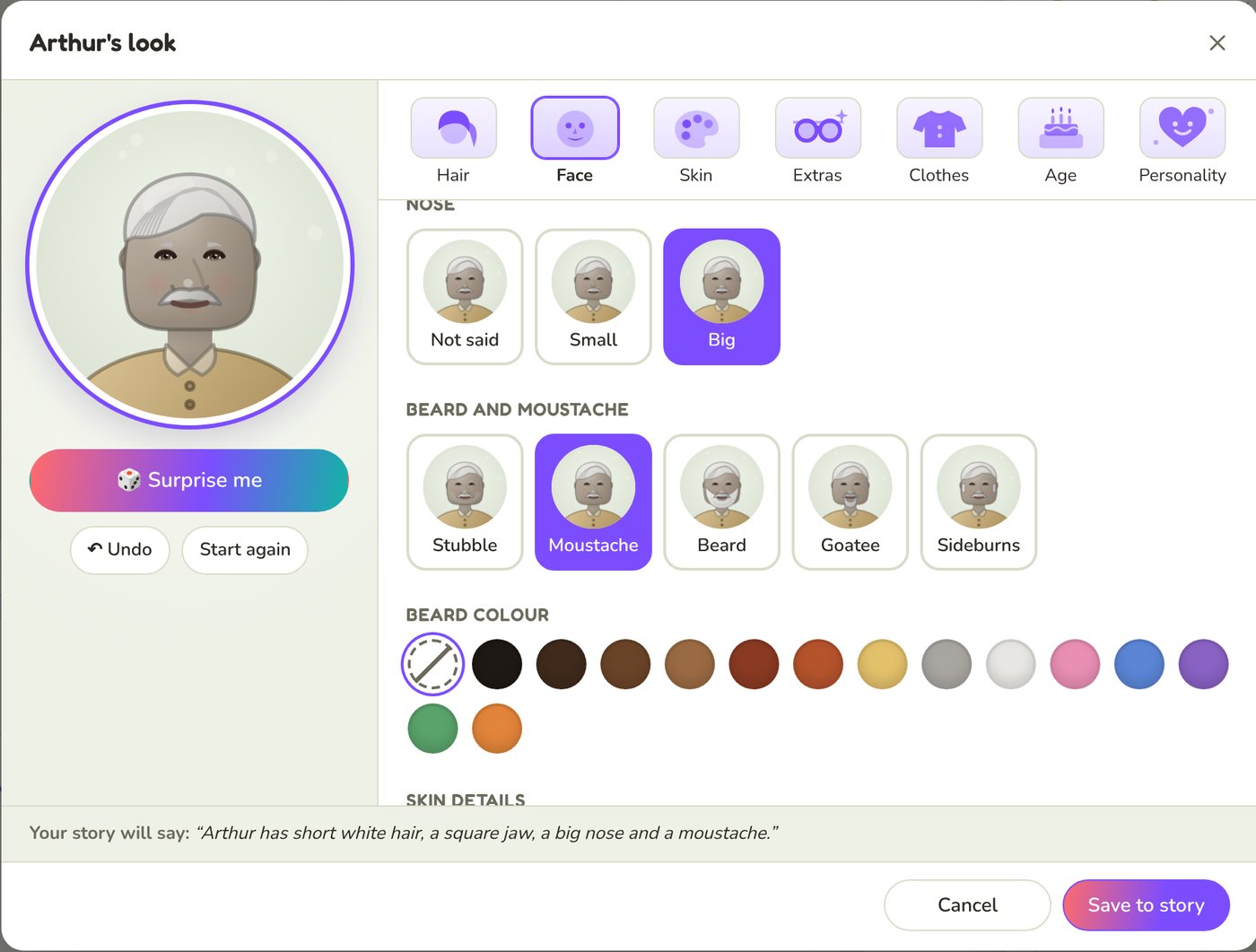
The Face tab has face shape, eye colour and spacing, nose size, beards, moustaches and freckles. Extras has glasses, sunglasses, hats, caps and earrings.
Age and personality change the face too
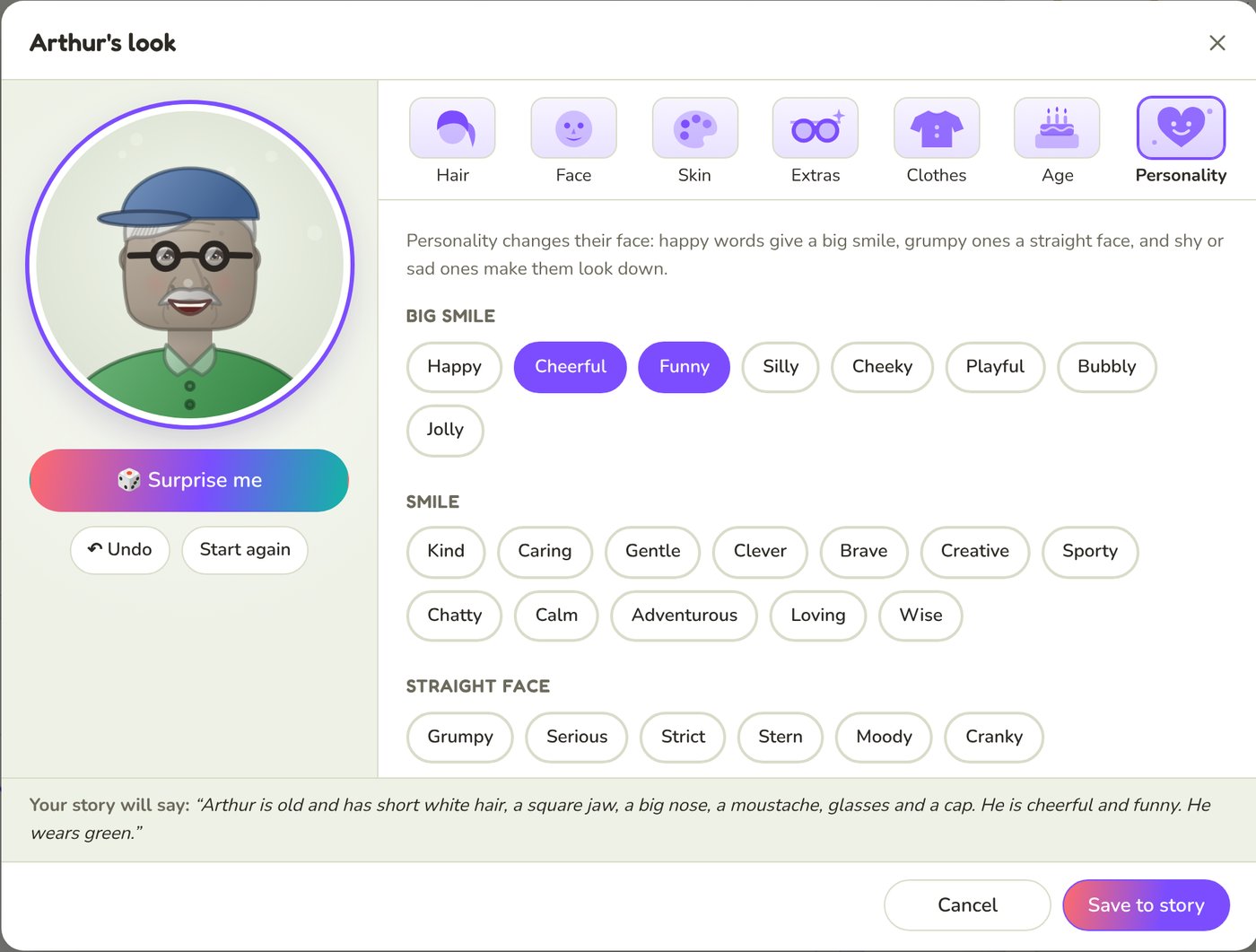
Pick an age from Baby to Very old, or type an exact one. Personality words are grouped by the face they give: happy words a big smile, grumpy ones a straight face, and shy or sad ones a downward look.
Feeling lucky? Surprise me
Press 🎲 Surprise me for a random look that suits the person's age. Keep pressing until you find one you love. It never changes their skin, age or personality, and Undo and Start again are always there.
Your story stays the one place your family lives
When you press Save to story, the creator writes the look into your story as an ordinary sentence. It finds what the story already said about that person, wherever it was, and replaces it, so your story never contradicts itself. Arthur's old sentence, Arthur has grey hair
, became:
Arthur is old and has short white hair, a square jaw, a big nose, a moustache, glasses and a cap. He is cheerful and funny. He wears green.
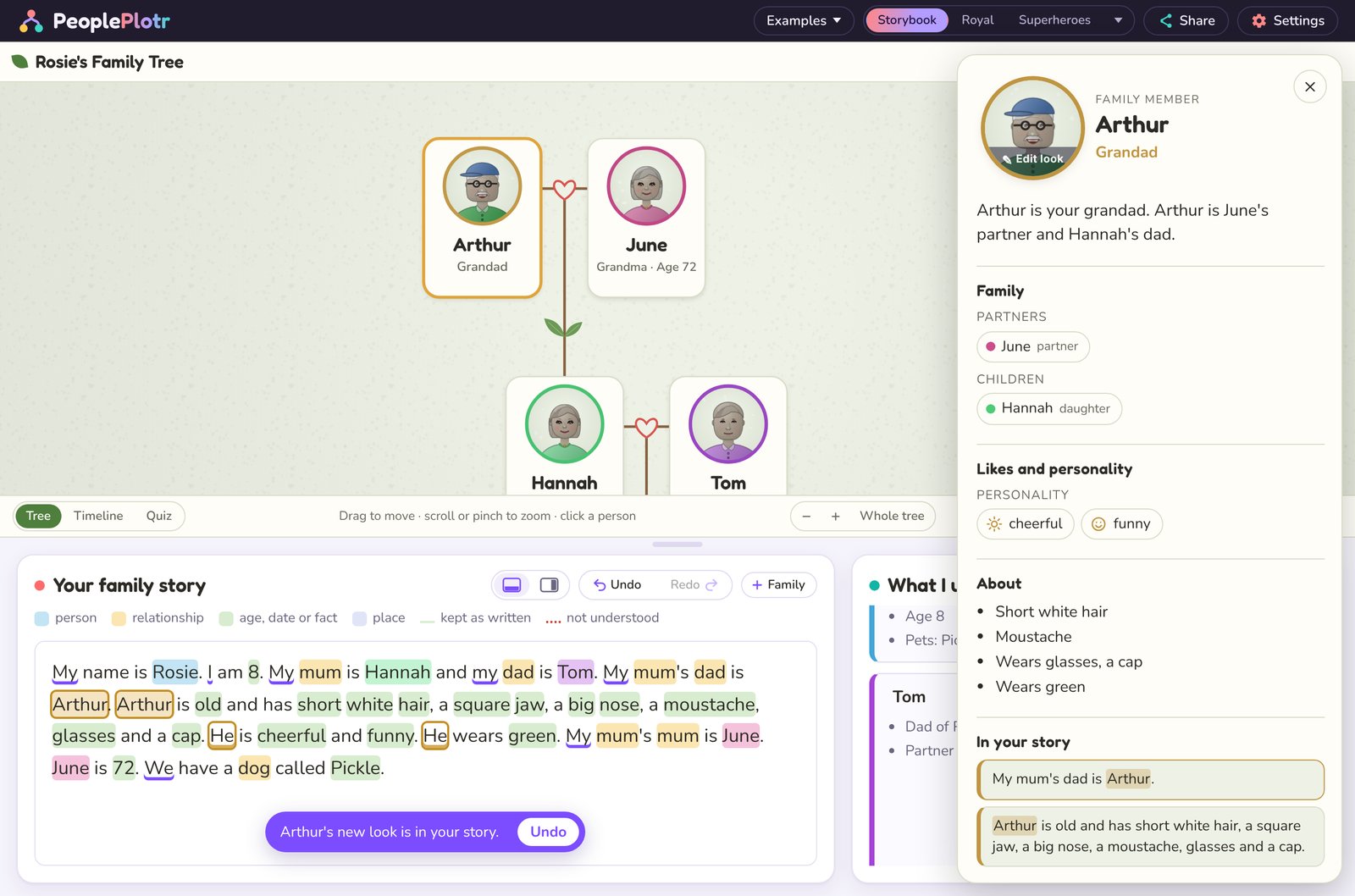
Because the look is in the story, it works everywhere the story does: in the shared tree, the timeline, the quiz and every design. You can also edit the sentence by hand whenever you like.
One look, every design
Switch designs and Arthur stays Arthur, from Storybook to Space Crew.
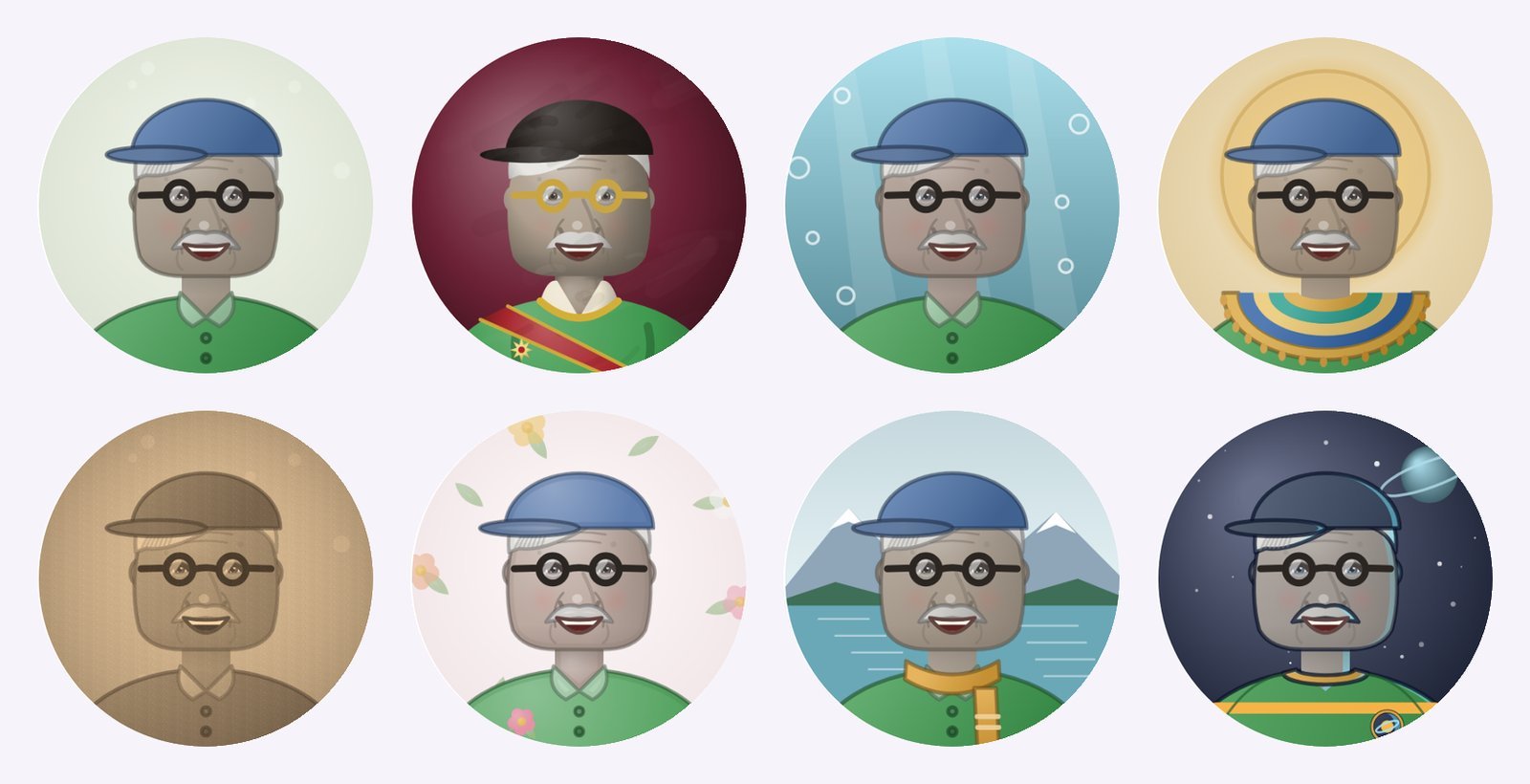
Clothes work a little differently. Each design dresses people in its own style, so the colour you pick shows in every design, and what they wear (a hoodie, a suit, a uniform) goes into the story.
Try it now
The character creator is in the story tree editor for everyone, free or premium. It's only in the editor, so people you share your tree with see the finished portraits, not the buttons. It's great for making your family look like your family, and just as much fun for the characters in a novel or fantasy world.