Sending/checking email
We are in the process of checking your details/sending you an email. This may take a few seconds, so please be patient.
closeWe are in the process of checking your details/sending you an email. This may take a few seconds, so please be patient.
closeSigning up takes less than a minute - you'll be creating your first people plot in almost no time.
closeWelcome to PeoplePlotr. Your account is ready.
Log in to start your first story tree: write about your family in everyday sentences and watch the tree grow as you type. If you began a tree on our home page, it will be waiting for you.
You can still make classic people plots too.
Log in closeSigning up is temporarily disabled while we undertake important maintenance to PeoplePlotr.
closeWe'd love to hear from you. So if you want to ask us any questions, offer feedback on the site or would like to buy the professional version of our software and host it on your site, please drop us a line.
We can be contacted by email at: hello@peopleplotr.com.
You can also follow us on twitter at twitter.com/peopleplotr.
If you are having any problems with PeoplePlotr, please contact us as at: help@peopleplotr.com
closeFree online org chart maker
Write who does what and who reports to whom, like Priya is Head of Design and reports to Sam.
PeoplePlotr turns your words into a clear, good-looking organisation chart as you type.
Free to start. No boxes to drag, no lines to draw, nothing to download.
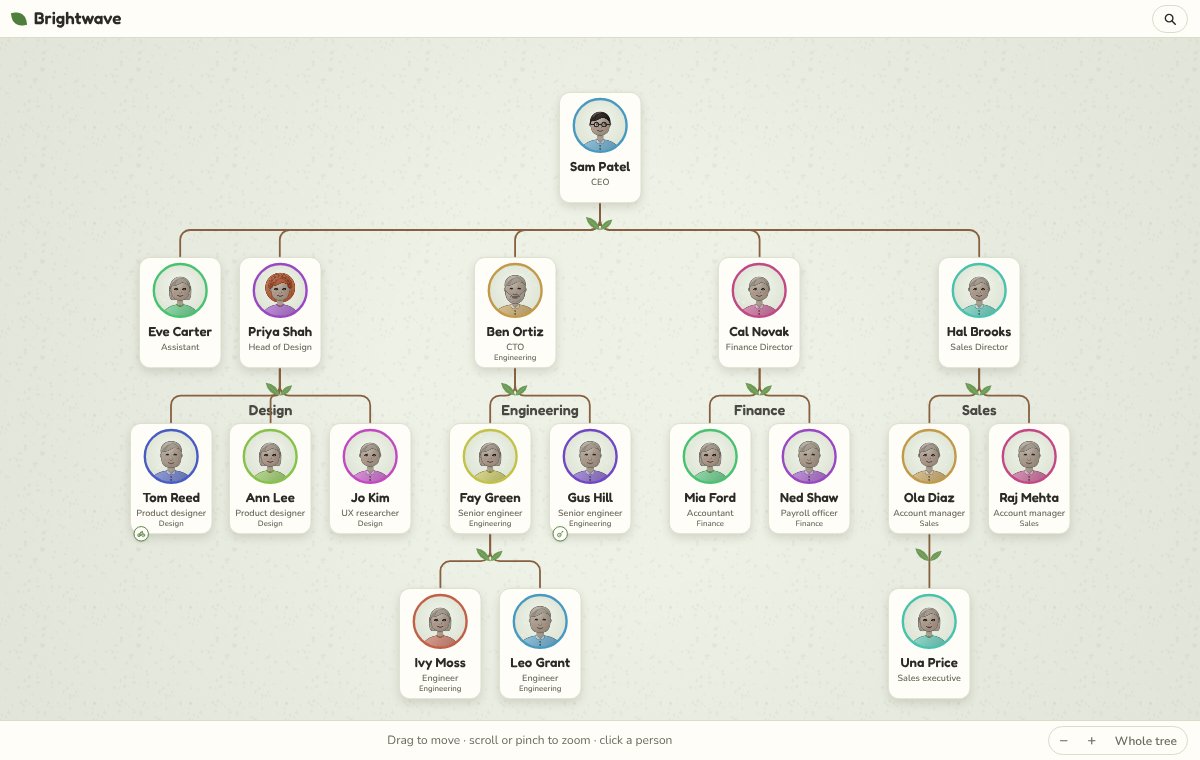
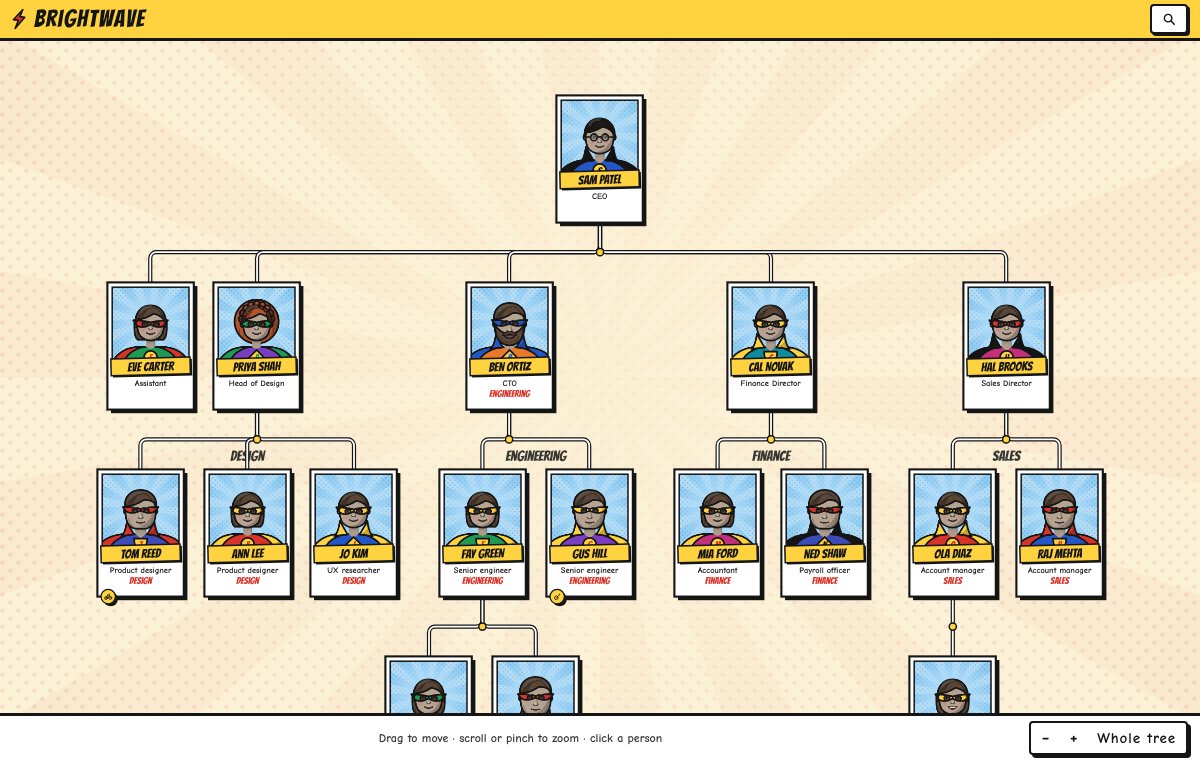
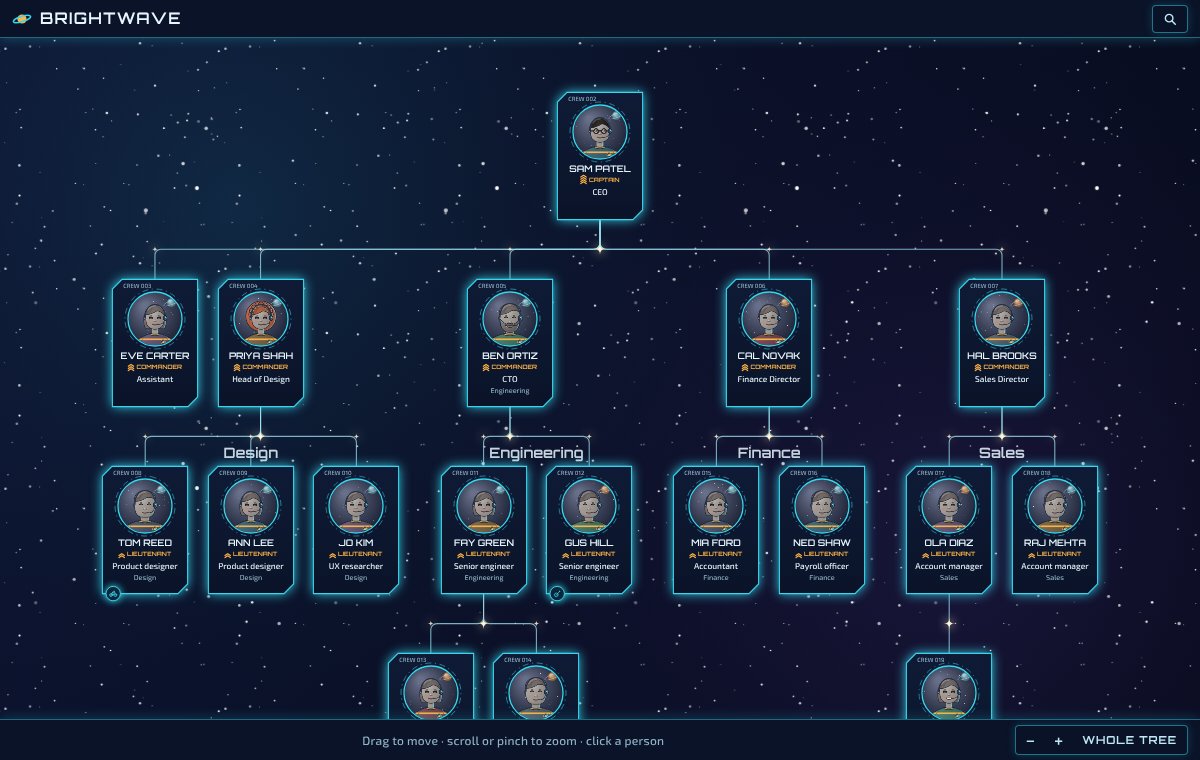
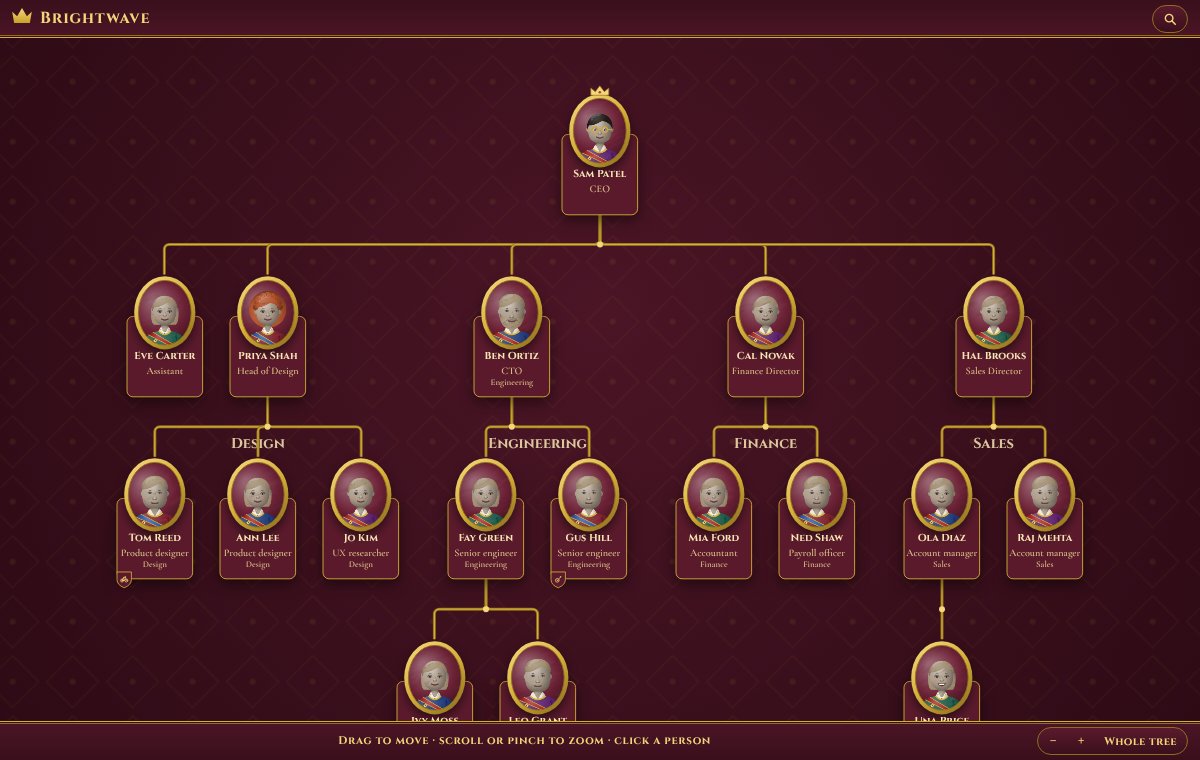
Here's Brightwave, a made-up company of 18 people. Change a sentence and watch the chart move, or pick Start again from Examples and describe your own team. Nothing is saved to our servers until you sign up, and then the chart you started comes with you.
Sam is the CEO. Priya and Ben report to Sam.
Add job titles and teams the same way. Plain sentences are all it takes.
Every sentence updates the chart straight away, top-down from the boss. Someone moves team? Change one sentence.
Send a link, put it on your intranet or website*, or save it as a picture* for a slide. Keep it private with a secret word.
*Some features require a premium account
Everything you write about your people shows on the chart.
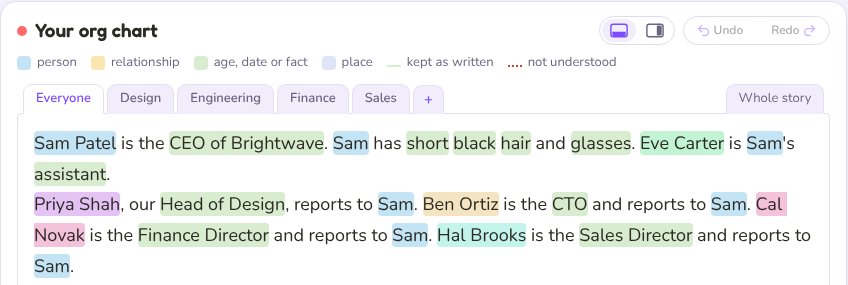
Priya, our Head of Design, reports to Sam.
Colours show what was understood, so it's easy to put right. Big organisations can be written team by team, each in its own tab.
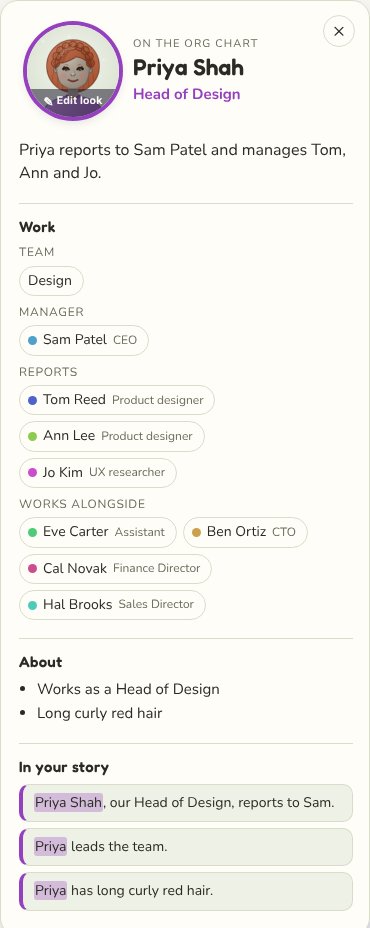
Click anyone to see their job title, team, manager, reports and who they work alongside, plus anything else you said about them.
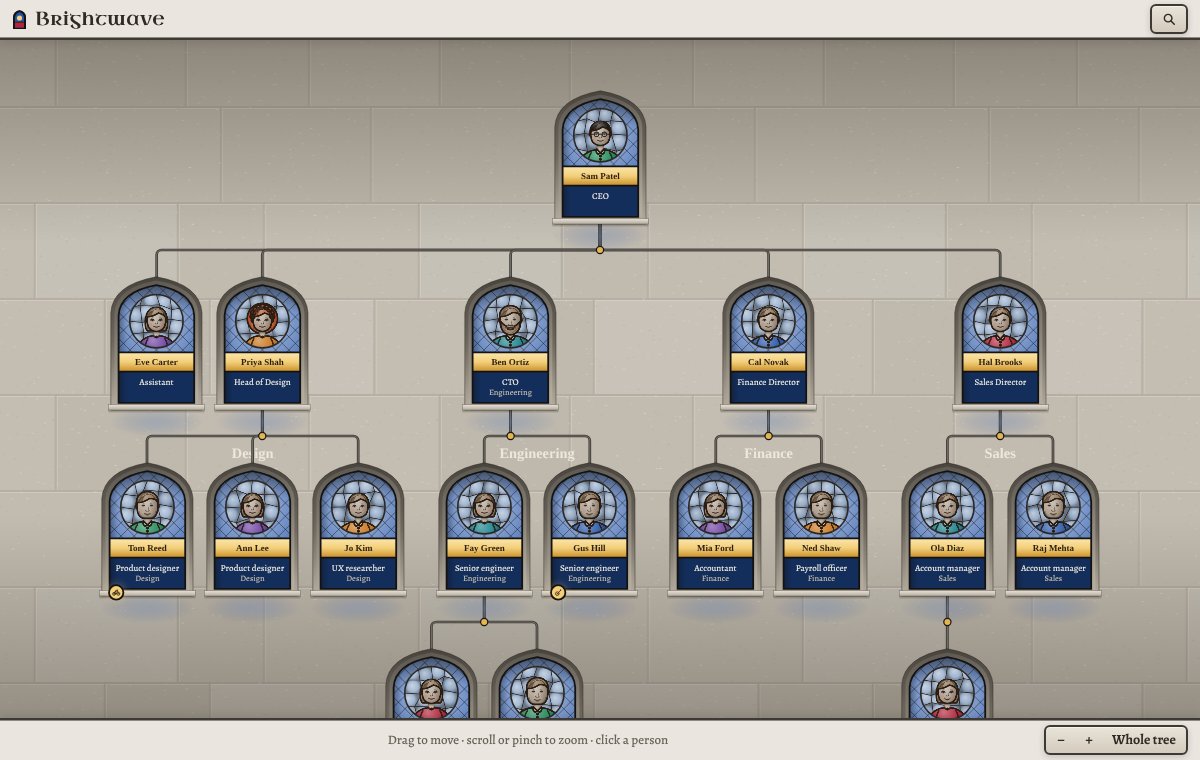
Ben runs Engineering. Fay and Gus are in Engineering.
Teams are labelled on the chart, and new joiners slot in under the right lead.
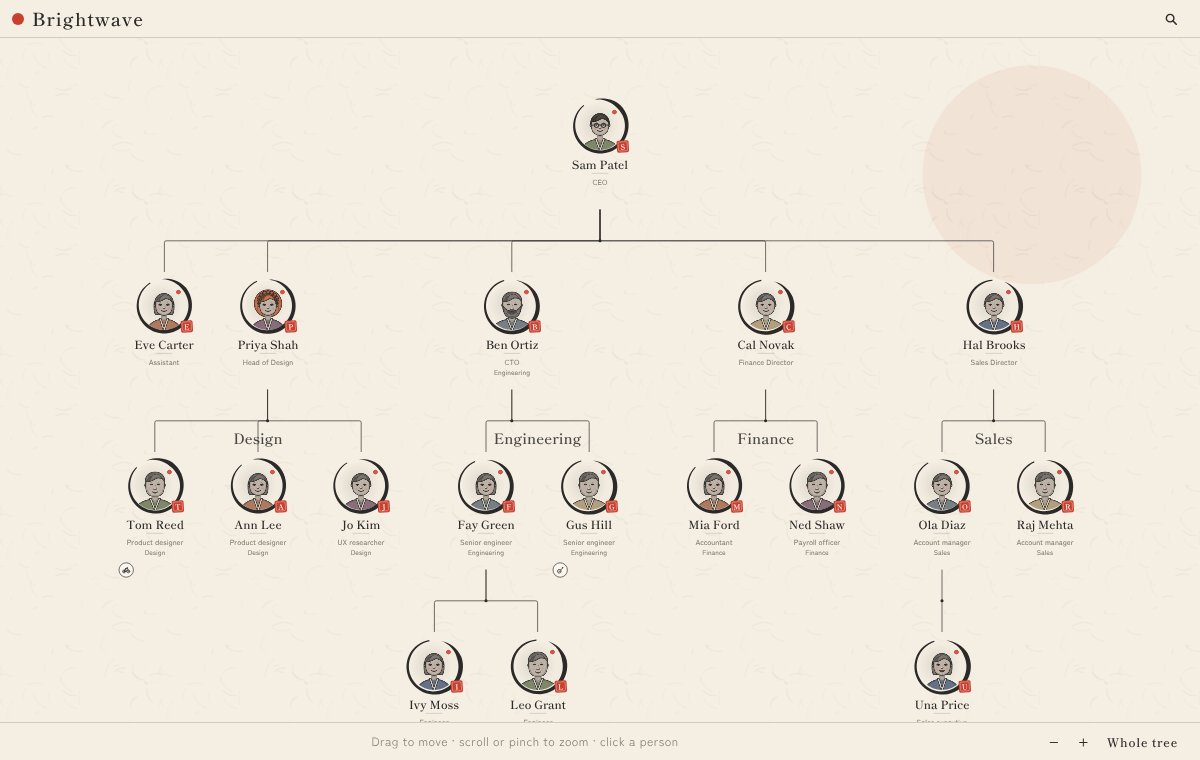
From clean and calm to comic book. Change the whole chart's look with one click.
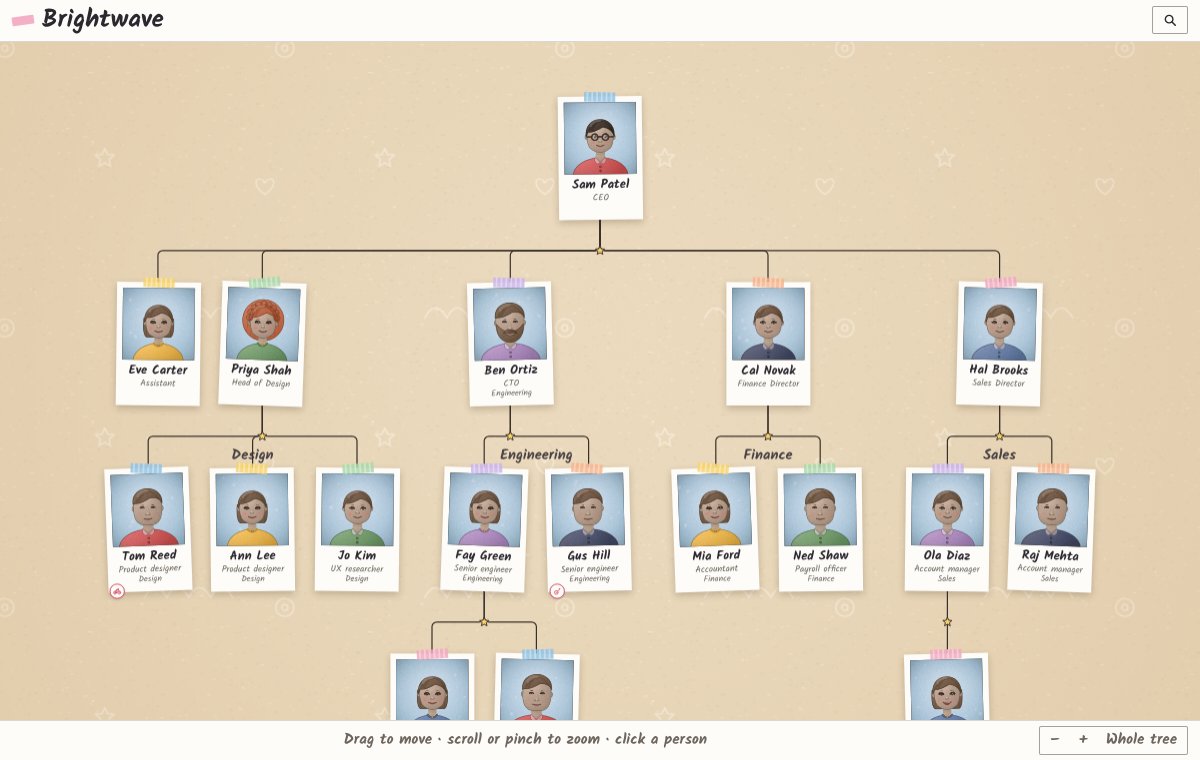
Priya has curly red hair.
Every portrait follows what you write, so new starters can put names to faces.
Show investors and new hires who does what, and keep it up to date in seconds.
Trustees, staff and volunteers, committees and coaches, all on one clear chart.
A royal court, a ship's crew or the staff of a great house in a novel. Teams don't have to be real.
Choose a username and password, add your email, and you're in. Your first org chart is free, whatever account you have, and the chart you started above comes with you.
PeoplePlotr started as a family tree maker, and it still is one. Describe your family the same way and we'll draw the tree. One free account makes both.